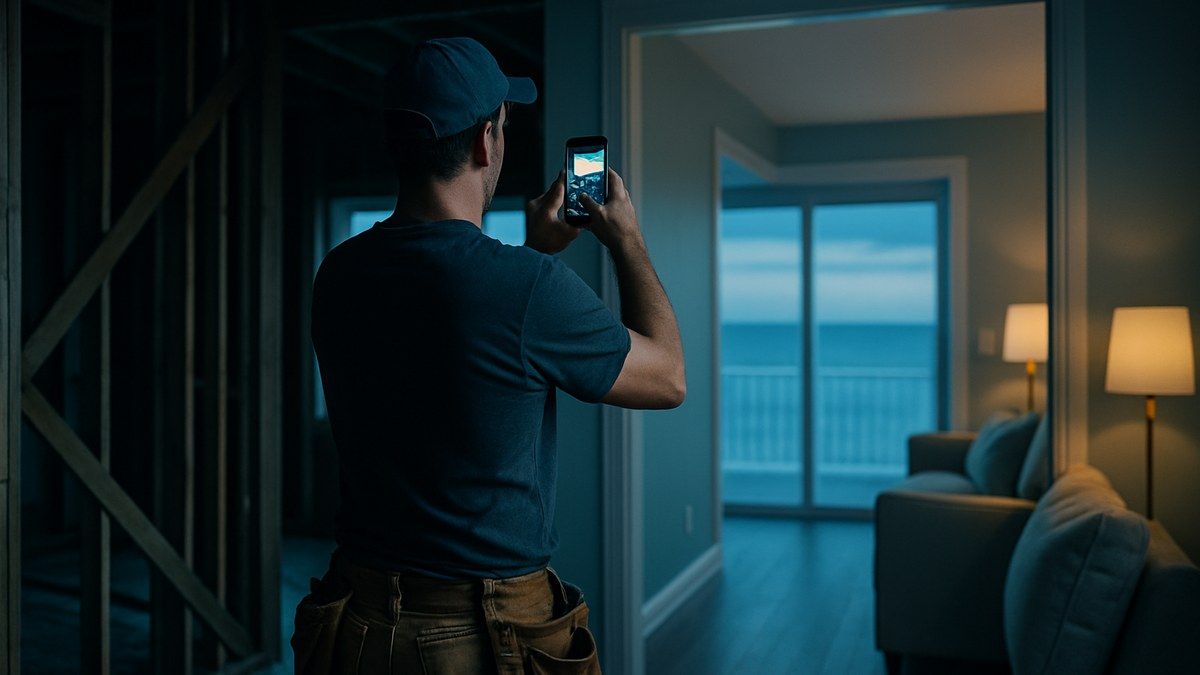

Small business photography is the cheapest credibility signal you control, and most local businesses lose on it with dark, blurry, five-year-old images. The phone in your pocket can produce photos good enough for your website, Google Business Profile, and social feeds, but only if you treat it like a system with standards rather than a thing you do when you remember.
BrightLocal's 2025 Local Consumer Review Survey found that 86% of US consumers use Google to find reviews of local businesses, and that photos and videos attached to reviews make consumers feel more positive about choosing one. Before anyone calls you, they look at you.
This guide sets the standard a phone photo should meet before it goes anywhere public: an eight-point checklist, the three camera settings that matter, a 90-minute quarterly shoot with shot lists, platform specs, and the line where a phone stops being enough.
Why Small Business Photography Decides Who Gets the Call
Photos are the first quality check a prospect runs on your business, usually before they read a word: "does this place have its act together?"
The evidence points one direction. Google's own Business Profile photo guidelines require photos to be in focus, well lit, and free of heavy filters. BrightLocal's 2025 survey shows consumers leaning harder on visual evidence each year, preferring detailed reviews backed by photos over star ratings alone. And Yelp's own guidance (updated June 2025) notes that photo captions are searchable, so a caption that matches a customer's search helps you appear.
What most owners miss: you don't need great photos everywhere. You need photos that clear a consistent minimum bar, refreshed often enough that this season isn't represented by pictures from three years ago.
The Eight-Point Publishable Standard
A photo is publishable when it passes all eight checks below; one failure means reshoot or discard. A fixed bar removes the judgment calls that let weak images onto your profiles.
- Sharp at full size. Zoom to 100% on the subject. Any softness on the thing you're selling fails.
- Lit by daylight or bright ambient light. No flash-lit interiors, no dim rooms rescued by editing.
- Horizon and verticals straight. Door frames, shelves, and walls should be vertical. A two-degree tilt reads as carelessness.
- Clutter cleared from frame. Trash cans, cords, and half-finished drinks all fail a photo. Stage for ten seconds first.
- One obvious subject. A viewer should know within a second what the photo is about.
- People consented and look natural. Written consent for anyone identifiable. Posed lineups fail; people mid-task pass.
- Nothing embarrassing in reflections or backgrounds. Check mirrors, windows, and screens before publishing, not after a customer points it out.
- Honest. The photo shows what a customer will actually get. Over-filtered images set up a disappointment that ends in a bad review.
Print the list, tape it where you shoot, and hold every image to it, including the owner's.
Phone Settings That Matter (and the Ones That Don't)
Three settings do most of the work: the grid, tap-to-focus with exposure lock, and never using digital zoom. Almost everything else on a modern phone handles itself better than you will.
- Turn the grid on (Settings > Camera on iPhone; in-app on most Androids). Put the subject on a gridline intersection, and use the lines to keep verticals straight.
- Tap to focus, then hold to lock. Tapping tells the camera what matters; holding locks focus and exposure so brightness doesn't shift as you reframe. Slide exposure down slightly in bright rooms: a touch dark preserves detail, blown-out white is unrecoverable.
- Move your feet instead of pinch-zooming. Digital zoom crops the sensor and costs resolution. If your phone has a real telephoto lens, the 2x or 3x button is fine; the pinch is not.
- Clean the lens. A pocket smudge is the most common cause of hazy phone photos. Wipe it before every session.
- Skip: portrait mode for anything with edges (it smears the rim of a plate), flash indoors (harsh shadows, dead color), and heavy in-app filters.
Shoot every subject wide, medium, and close, three frames of each. Nine frames costs ninety seconds and nearly always yields one that passes the check.
The 90-Minute Quarterly Shoot
Four scheduled 90-minute sessions a year out-produce a year of sporadic snapping, because a shoot with a shot list captures what marketing needs rather than what happened to be in front of you. Schedule the next one now, in your best natural light, usually mid-morning.
Work from a shot list matched to your business:
- Restaurants and cafes: three bestsellers plated, the dining room at its brightest, two staff mid-service, exterior with signage, one seasonal item.
- Home services and construction: crew mid-job, finished-work close-ups, the clean branded vehicle, and before-and-after pairs shot from the same spot (see our before-and-after system for construction marketing).
- Vacation rentals: the view, living spaces at midday with every light on, and anything renovated since the listing photos; more in our guide to vacation rental photography and listing content.
- Retail and professional services: the entrance, three product or workspace details, each team member at work, one candid customer moment (with consent).
A quarterly rhythm also keeps profiles seasonal; a Grand Strand golf shop still showing July crowds in January looks unattended. The cost math favors it, too. A hypothetical restaurant owner spends six hours a year on four sessions, about $300 valuing owner time at $50 an hour; at 30 publishable frames per session, that's 120 images at $2.50 each. A professional half-day shoot at a typical $500–$1,000 delivering 40 finished images runs $12.50–$25 per image. Both have a place: the pro for images that sell hardest (more below), the phone for volume and freshness.
Publishing: Sizes, File Names, Captions, and Alt Text
A publishable photo can still be wasted by sloppy publishing, because search engines read text, not pixels. Five minutes of hygiene per batch protects the shoot.
- Meet the platform specs. Per Google's photo guidelines, Business Profile accepts JPG or PNG between 10 KB and 5 MB, recommends 720×720 pixels, requires at least 250×250, and uploads can take 24–48 hours to appear. Any recent phone clears these; just don't screenshot-and-reupload images until they're tiny.
- Rename files descriptively. Google's image best practices for Search say short, descriptive filenames beat camera defaults. grilled-mahi-tacos-north-myrtle-beach.jpg gives Google Images something to work with; IMG_4471.jpg gives it nothing.
- Write alt text on your website. One plain sentence describing the image, for accessibility first and image search second; Google also recommends placing images near related text.
- Caption everything on Yelp and social. Yelp's advice: short and concrete. "Three-cheese macaroni with caramelized onions" beats "the most amazing mac and cheese," because captions match customer searches. Claimed Yelp pages have no photo upload limit.
- Route one shoot everywhere. Each batch should feed your Google Business Profile, website, social calendar, and email headers. A photo used once is an expensive photo; reuse is the core of efficient content marketing.
When a Phone Is the Wrong Tool
Hire a professional when the image will be seen for years, printed large, or asked to carry a sale by itself; use the phone for everything that needs to be current. The common mistakes are paying pro rates for throwaway content, and trusting a phone with your most permanent impressions.
Book a professional for website hero images and headshots that will sit unchanged for years; real estate and vacation-rental listing photos, where wide-angle lenses and perspective correction visibly change results; anything printed larger than a flyer; and dim interiors your phone keeps failing, since low light is the clearest gap between a phone sensor and a full-size one. If video is on the table, a combined photo and video session usually costs less than booking each separately.
Keep the phone for weekly social posts, seasonal updates, job-site documentation, staff moments, and new menu items or products: everywhere current beats flawless. If your profiles are thin, start there; our walkthrough of Google Business Profile optimization shows where each photo type goes.
Frequently Asked Questions
Do I need to buy any equipment for phone photography?
One optional purchase helps: a $20–$40 phone tripod, which fixes hand-shake blur in interiors and makes before-and-after pairs repeatable from the same position. Skip clip-on lenses and ring lights at first: better technique in natural light outperforms both, and unused gear becomes a reason to skip the shoot.
Should I edit phone photos before posting them?
Light editing, yes: straighten, crop, and nudge brightness or warmth. Skip heavy filters and saturation boosts. Google's photo guidelines flag significant alterations and excessive filters as violations. If an image needs more than 30 seconds of editing, it failed the shoot; retake it next session.
How many photos should my Google Business Profile have?
There's no official target, so aim for coverage instead: exterior, interior, products or work, and team, refreshed quarterly so nothing is stale. A profile with 40 current, well-lit photos across those categories beats one with 200 dark uploads from 2021. New photos can take 24–48 hours to appear after upload.
Do I need permission to post photos of customers?
Yes. Get consent whenever a customer is identifiable, and keep it in writing or a text message rather than relying on memory. For staff, add a photo-use clause to onboarding paperwork. For minors, a parent or guardian must consent. When in doubt, shoot so faces aren't recognizable: hands, work, and over-the-shoulder angles sell just as well.
What's the biggest mistake small businesses make with photos?
Letting profiles go stale. Most owners upload a burst of photos when they claim a profile or launch a website, then nothing for years, so their public image slowly stops matching reality. The fix is structural, not motivational: a recurring 90-minute quarterly shoot on the calendar, with a shot list, beats any amount of intending to take more photos.
Put This to Work in Your Business
Style Strand Media builds photo systems, content calendars, and the profiles they feed for businesses across North Myrtle Beach and the Grand Strand, and for remote clients anywhere. If your online presence doesn't look as good as your actual business, we should talk.